
Dynamics 365 Contact Center Sets New Standards for AI Evaluation
Microsoft is highlighting a shift in how organisations approach AI in customer service, emphasizing that evaluation is no longer just a technical step but a core business capability. In its latest guidance for Microsoft Dynamics 365 Contact Center users, the company outlines key dimensions organisations must consider to ensure AI systems remain reliable and customer-focused. The message is clear: trustworthy AI in contact centers depends on continuous, multi-stage evaluation — not a one-time test.
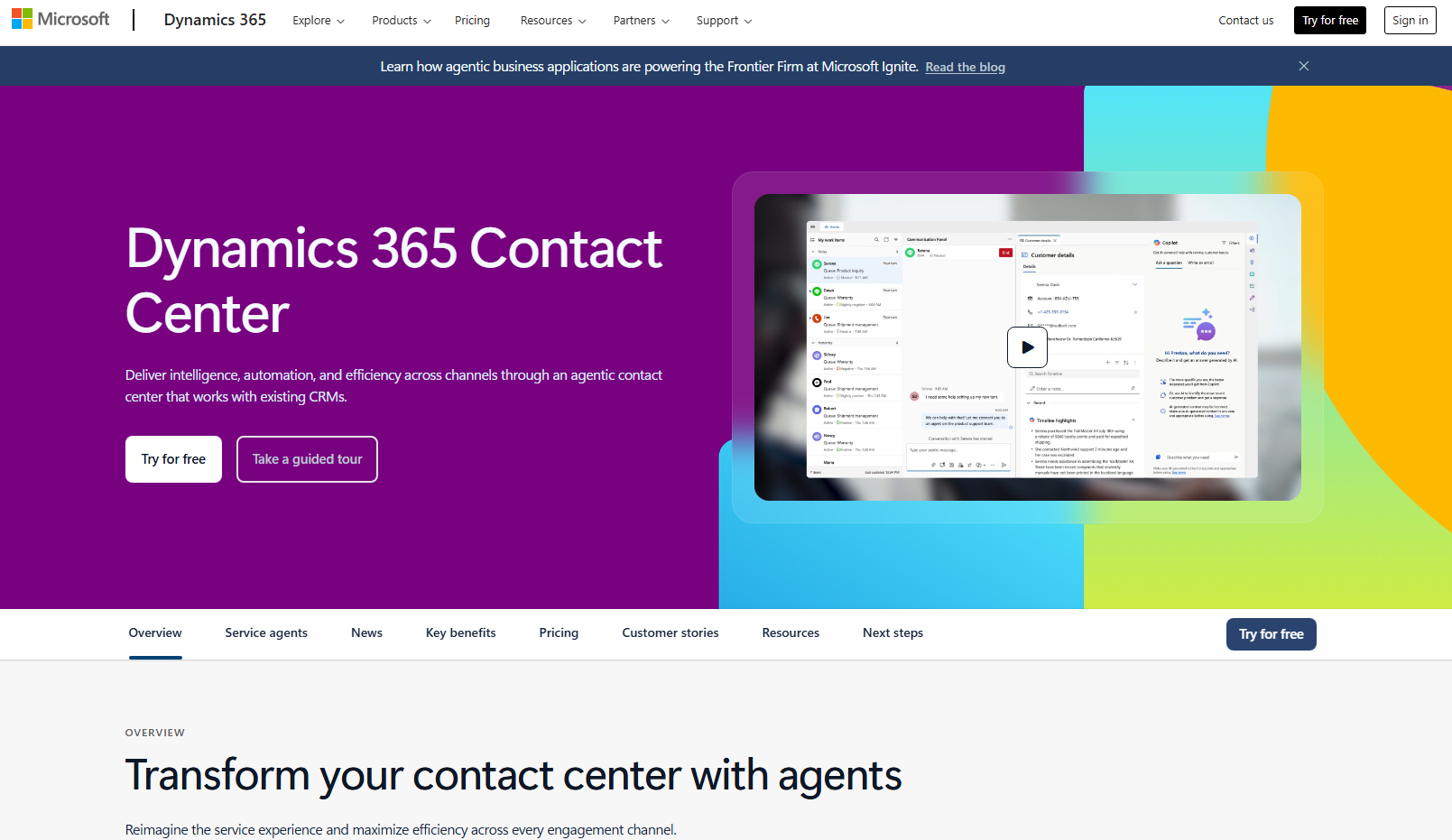
Here are the key facets every organisation should consider:
Development-stage vs Production-stage evaluation
Test early in development to catch issues before deployment, and evaluate in production to understand how AI performs under real-world traffic and customer behavior.
Manual vs Automated evaluation
Use automated tests for scalable, continuous checks (e.g., after deployments or config changes), and pair them with manual evaluations for deep insights, context, and judgment that machines can miss.
Platform vs Customer-run evaluations
Internal evaluations from the AI provider establish a baseline of quality and safety, while customer-run tests reveal real usage patterns and constraints specific to your business.
Synthetic data vs Production traffic
Start with synthetic or simulated data for safe, repeatable tests (especially edge cases), then validate against real production traffic to gauge how AI behaves with actual user interactions.
Evaluation after vs during execution
Post-interaction analysis unlocks deep learning about correctness and resolution quality, while real-time evaluation lets you intervene instantly (e.g., escalate to a human when sentiment drops).
Get instant AI-powered answers to your questions—anytime, over the phone. Discover Power Assist Voice and reach out to us today.
